
-
·
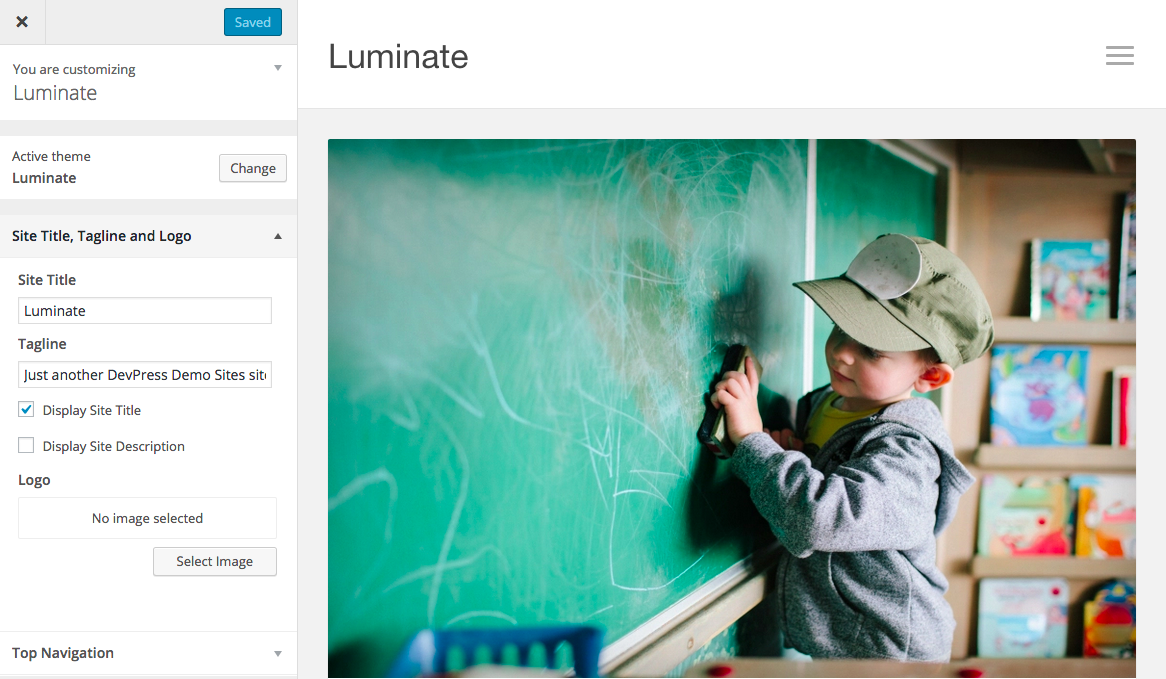
Luminate
Thanks for trying the Luminate theme! If you don’t find you question answered here, try our general documentation page or contact support. Page Showcase To set up the page showcase layout as shown in the demo, please follow the steps below: Create a new page or edit an existing page that will be used as the…
-

·
Zelda
Zelda is a responsive theme that’s ideal for business or magazine layouts. With this theme, you can choose a selection of pages or posts to display on your home page using the showcase templates. Fonts and colors are also customizable. Showcase Layout When installing Zelda for the first time, you will get a single page/post display. To set…
-
·
How to Translate a DevPress Theme
Any DevPress theme can be translated into your own language. We include a .pot file for each theme and are also actively working with professional translators to bundle translations. If your language is not supported yet, there’s two ways you can make a translation: Transifex Transifex is a service we use to manage all our…
-
·
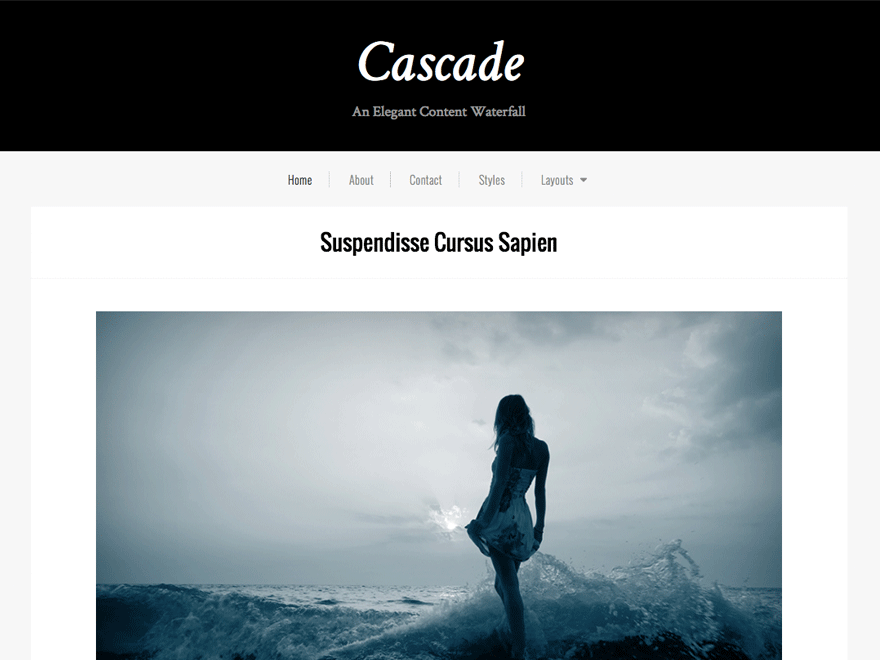
Cascade
Cascade is a modern theme great for photography websites, personal blogs, restaurants and small businesses. Its clean presentation allows your content to shine. Cascade offers multiple layouts. Choose a one-column design with varying widths, or add a left or right sidebar next to your content. The theme offers three menu locations, social icons, and both…
-
·
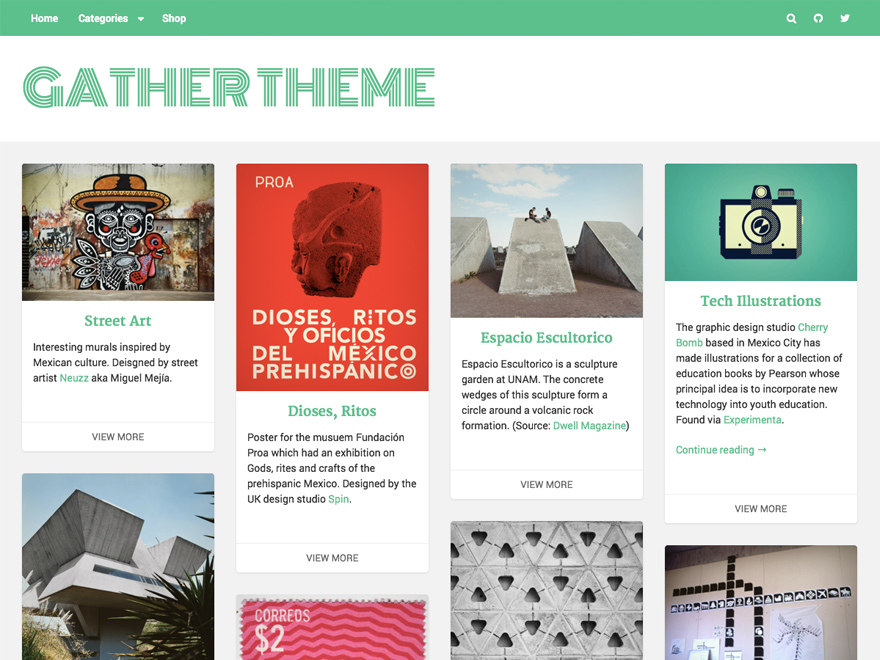
Gather
Gather is a highly adaptable theme for displaying products, art, and content. Choose your own fonts, update colors, or upload a logo using the theme customizer. Multiple menu locations, social icons, and widget areas are available. See How it Works Layout By default, Gather displays one column of content, which is referred to as the…
-
·
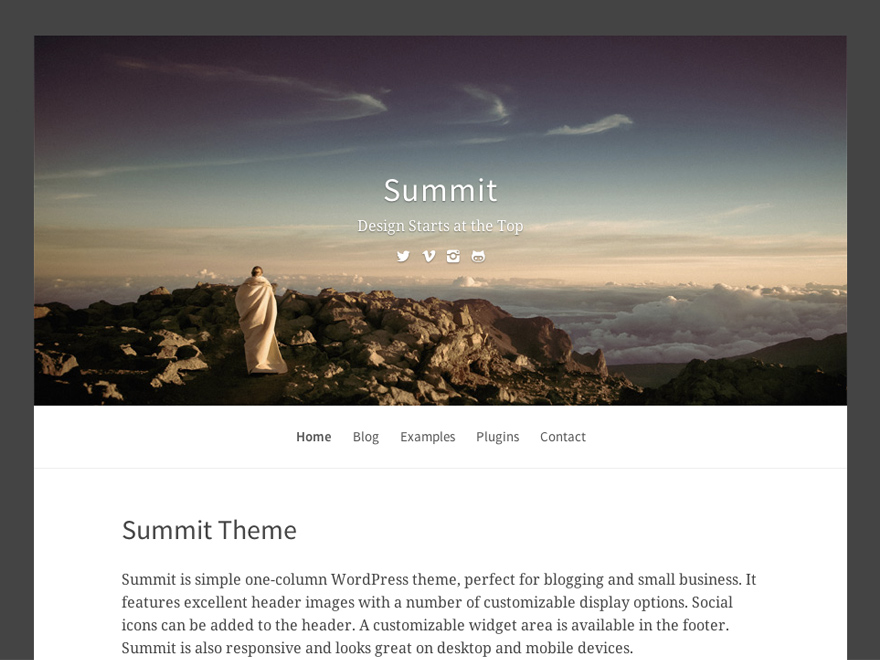
Summit
Summit is a bold, one-column WordPress theme perfect for blogs and small business websites. See How it Works Customization Options These are available under “Appearance” > “Customize”. Header Settings You can upload a custom logo instead of the site title. Header image options include choosing a preset image, randomizing the image, or uploading your own. The theme…
-
·
How to Install a WordPress Theme
You have two options for uploading a WordPress theme. You can either use the built-in WordPress uploader or use FTP. Installing with the Built-in Uploader Download the theme-name.zip file to your computer. Go to Appearance > Themes > Install Themes in your WordPress admin. Click on the “Add New” link near the top. Then click…